
03 / KITCHEN WORKFLOW
A calmer kitchen starts here.
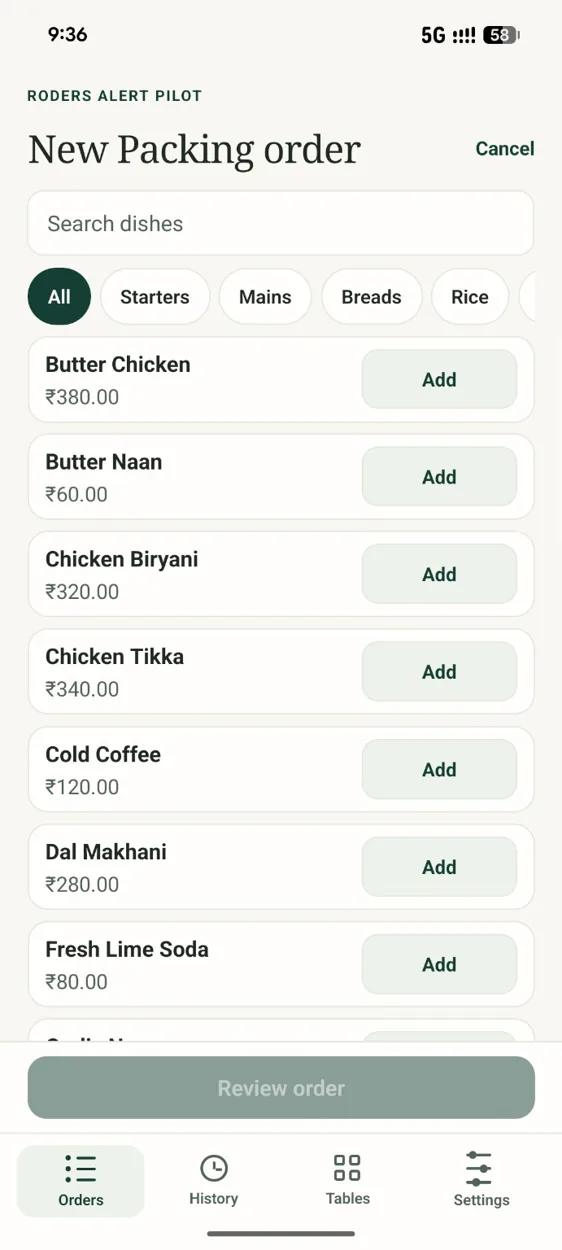
Accepted orders move into a focused kitchen queue. Cooks see what to prepare and can update progress without being distracted by billing details.
What you can do
Built around real restaurant work.
The experience is designed to make a busy team feel more in control, not add steps to the shift.
What this feature includes
- Accepted dine-in and packing tickets
- Dish quantities and notes for the kitchen
- Preparing and Served status transitions
- Kitchen view without prices or guest phone details
In practice
A smoother workflow, step by step.
01
Owner or staff accepts
New orders are accepted before entering the kitchen work queue.
02
Kitchen sees the ticket
Cooks see relevant dish names, quantities and preparation notes.
03
Mark preparation
Accepted tickets can be moved to Preparing by the kitchen.
04
Mark served
Once ready, the kitchen marks the ticket Served for the restaurant team.
Ready to explore?
Give your restaurant a smoother shift.
See what Roders can do, then decide if it fits the way your restaurant works.